

3D printing has become a practical option for prototyping, product development, education, small scale manufacturing, and creative projects. As adoption grows, software plays an increasingly important role in preparing models, adjusting print settings, and managing the printing process. For businesses, choosing the right software can affect production efficiency, print quality, and workflow consistency.
Many users begin with free 3D printing apps because they provide an accessible way to explore 3D modeling and printing without adding software costs. However, free does not always mean suitable for every professional requirement. Understanding what these applications can do, where their limitations appear, and when more specialized software may be appropriate can help businesses make better decisions.
What Can Free 3D Printing Apps Do?
The capabilities of free 3D printing apps vary considerably. Some focus on 3D modeling, while others are designed primarily for slicing, printer control, or model preparation. A typical application may allow users to import 3D files, adjust their size and orientation, configure print parameters, and prepare a model for a compatible printer.
For beginners and small teams, these functions can cover many common tasks. A designer may use an app to make simple adjustments to a model, while an operator can prepare a file for printing without investing in a complex software package.
Some free tools also support features such as automatic model positioning, support generation, infill adjustment, and layer preview. These functions can make the transition from a digital model to a physical object easier, particularly for users who do not require advanced production management.
Why Businesses Consider Free 3D Printing Apps
Software costs are an important consideration when a company is building or expanding a 3D printing workflow. Free applications can reduce the initial investment and allow teams to test different approaches before committing to paid software.
They can also be useful for specific tasks. For example, a small business producing prototypes may only need basic slicing and file preparation. A design team may already have separate CAD software and simply need a reliable application for converting finished models into printable files.
Free tools can therefore be practical when the workflow is relatively straightforward. They are especially useful during evaluation, training, early prototyping, and low volume production.
However, businesses should evaluate software based on workflow requirements rather than price alone. A free application that lacks an important feature may create additional manual work or increase the risk of inconsistent results.
Key Features to Evaluate Before Choosing an App
Compatibility is one of the first factors to examine. The application should support the file formats used by the design team and work properly with the intended 3D printer. Compatibility problems can interrupt production and require unnecessary file conversions.
Print preparation features are equally important. Users may need control over layer height, infill, print speed, support structures, temperature, and other parameters depending on the printer and material. The level of control available can determine whether an app is suitable for basic projects or more demanding applications.
The user interface also deserves attention. A complicated interface can increase the learning curve, while an overly simplified interface may limit control over important settings. For teams, software that makes commonly used functions easy to access can improve consistency between operators.
File preview and layer inspection are particularly useful for quality control. Being able to examine how a model will be printed before starting the job can help users identify problems with supports, orientation, walls, or other settings.
Where Free Software May Have Limitations
The main limitation of free 3D printing apps is often not the absence of basic functions but the lack of advanced workflow capabilities. Professional users may need features related to batch processing, printer management, detailed material profiles, automation, or centralized workflow control.
Another consideration is support. Free software may rely heavily on documentation, community forums, or user generated resources rather than dedicated technical assistance. This may be sufficient for experienced users but less convenient for companies that need quick solutions when production problems occur.
Businesses should also consider software updates and compatibility over time. A printing environment can change as new printers, materials, and operating systems are introduced. An application that works well today may require continued maintenance to remain useful.
For these reasons, businesses should test software with their actual models, materials, and printers rather than judging an application only by its feature list.
How WonderMaker 3D Fits Into the Software Selection Process
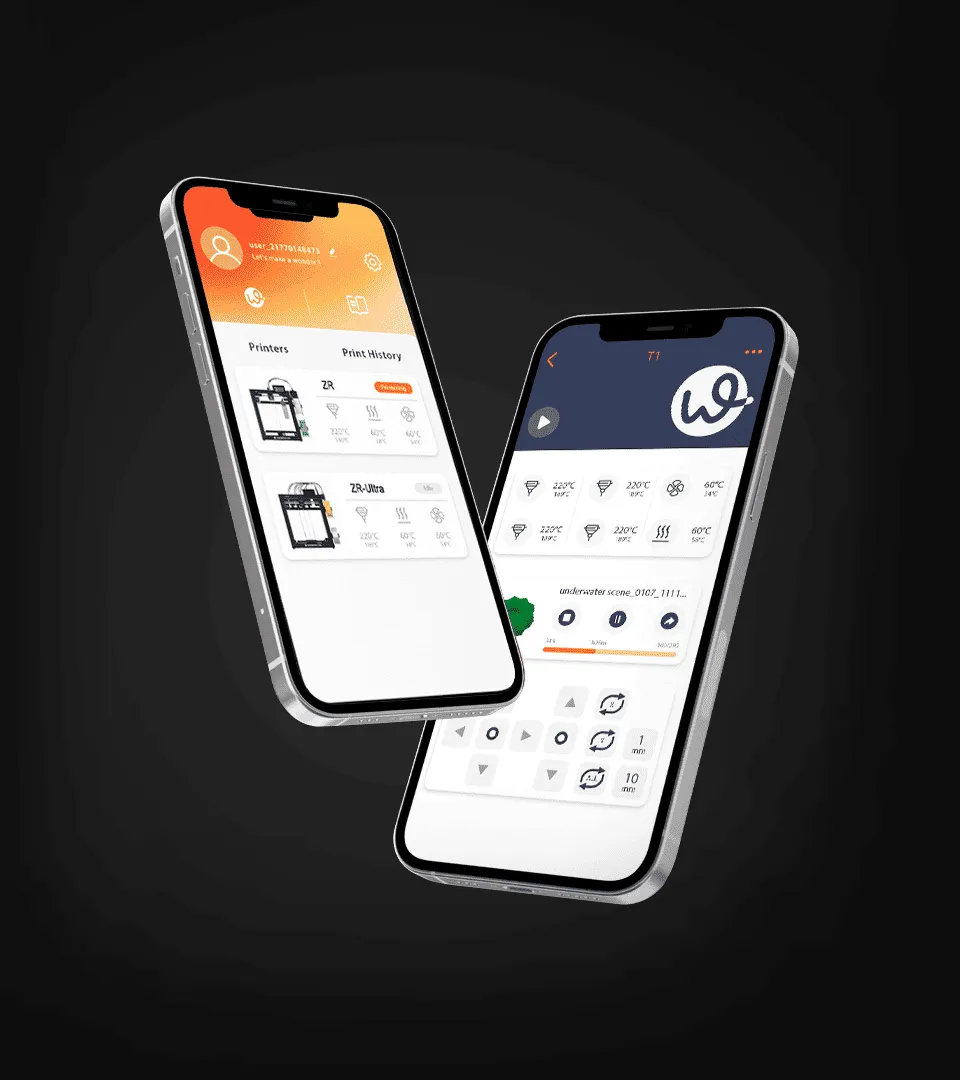
WonderMaker 3D provides an example of how dedicated 3D printing software can be incorporated into a printing workflow. When evaluating a platform, users can consider practical factors such as model preparation, printer compatibility, ease of operation, and the level of control required for their projects.
The broader point is that software selection should be connected to the entire printing process. A useful application should help users move efficiently from a digital model to a printable file while providing enough control to achieve consistent results.
For businesses, it can also be helpful to compare free applications with more specialized solutions based on actual workflow needs. A free tool may be appropriate for basic operations, while a dedicated platform may provide greater value when production volume, complexity, or quality requirements increase.
Making a Practical Choice for Your 3D Printing Workflow
There is no single best 3D printing application for every business. The right choice depends on the type of models being produced, the printers and materials involved, the experience of the operators, and the required level of production control.
Free 3D printing apps can be an effective starting point for learning, prototyping, and straightforward printing tasks. Before adopting one for regular business production, however, users should test its compatibility, print preparation functions, usability, reliability, and long term suitability.
Taking this practical approach allows businesses to look beyond software cost and focus on whether an application genuinely supports their printing workflow. By comparing available tools against real production requirements, teams can select software that balances accessibility, control, and operational efficiency.
